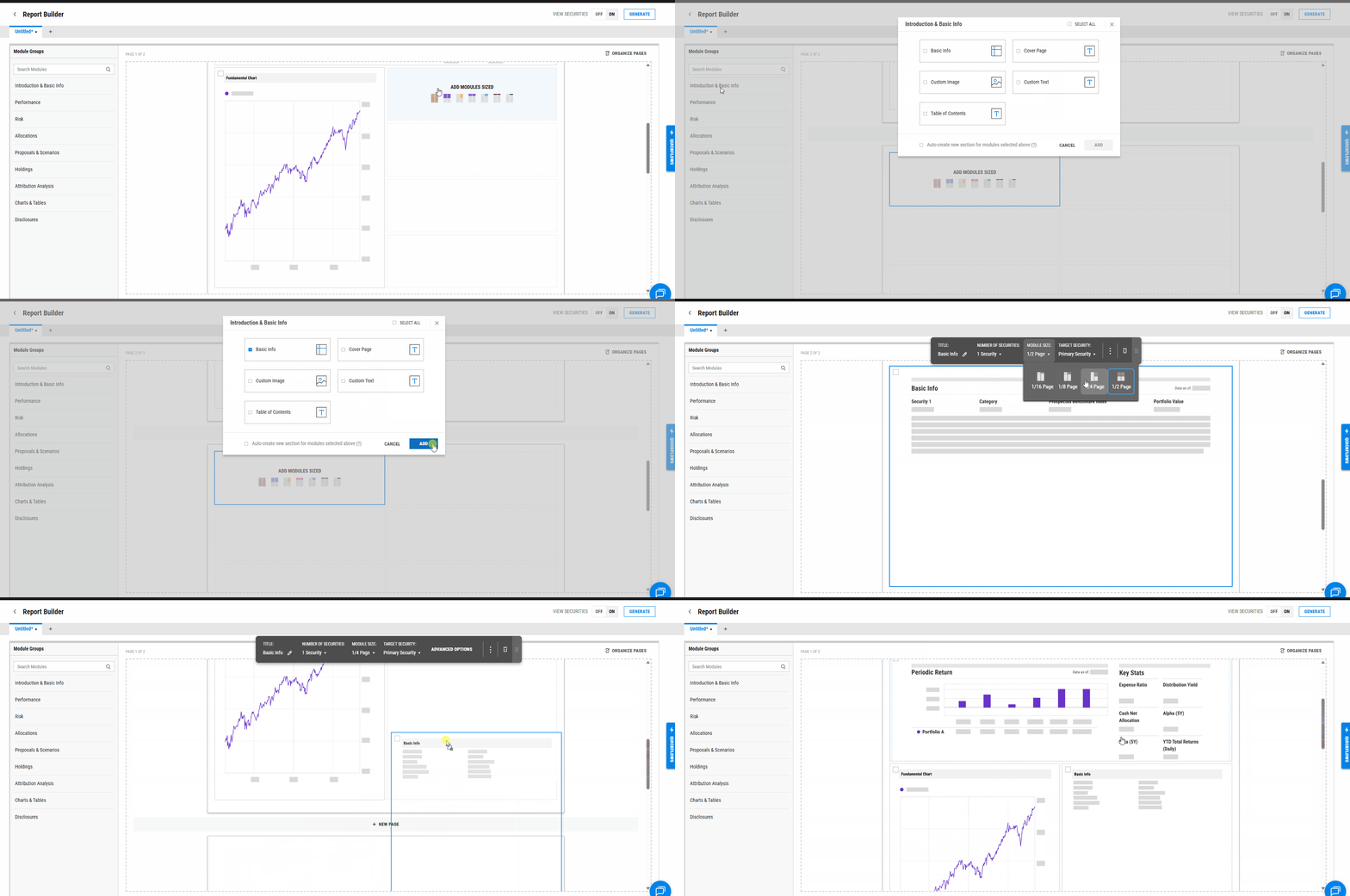
Module sizes can be resized when editing reports. Note that some modules have minimum size constraints based on the amount of content they display.
To resize a module in a report:
- Open the report in edit mode.
- Hover over the module you want to resize until the resize handle appears.
- Click and drag the handle to adjust the module's size.
- Save the report to preserve your changes.