
Communities lets you follow your favorite asset managers and influencers directly inside YCharts, so their latest portfolios, research, and market commentary are always right where you're already working.
Getting Started
Frequently Asked Questions
Getting Started
Each Community is a dedicated dashboard built and maintained by an asset manager or influencer, where they can share portfolios, charts, commentary, and more. Once you follow a Community, that content is always added directly to your YCharts account for easy access whenever you need it.
How to Add a Community:
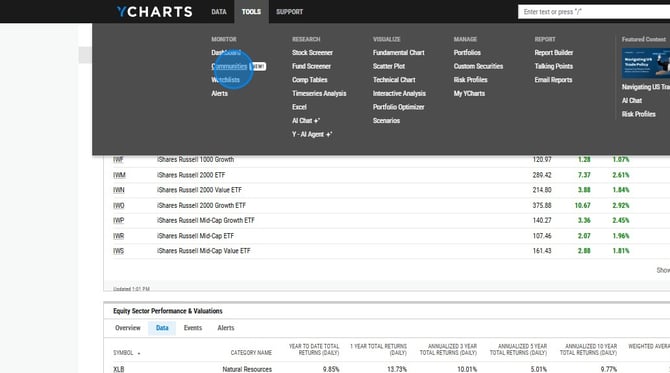
1. Select Communities from the Tools dropdown menu.
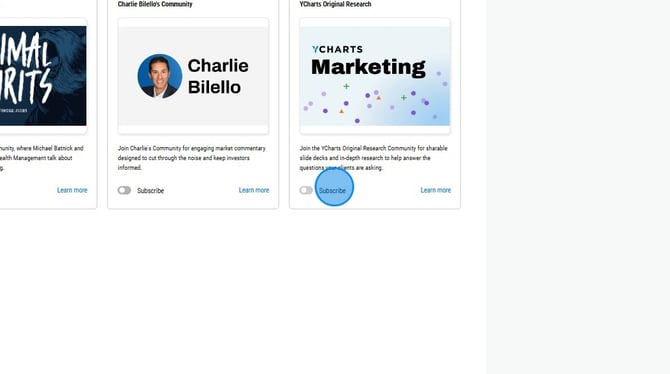
2. Toggle on Subscribe for the Community you want added.
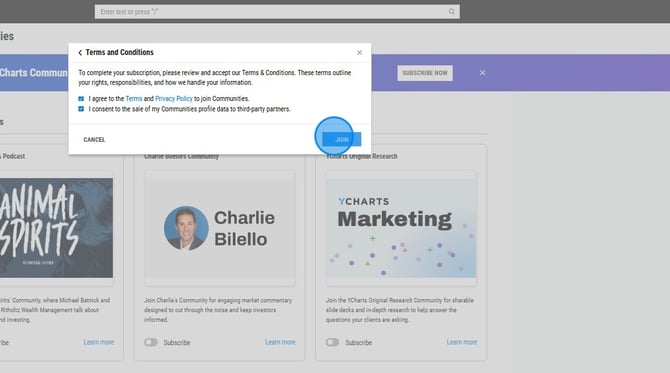
3. Optional: Fill out your Firm, AUM, and CRD Number information or select Skip For Now. Then, agree to the Terms and Privacy agreements and select Join.
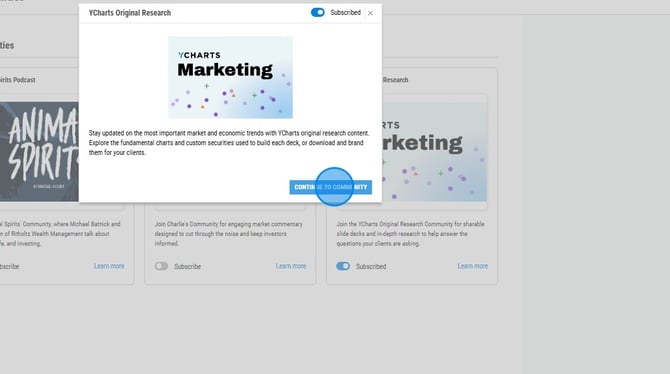
4. Click on Continue to Community.
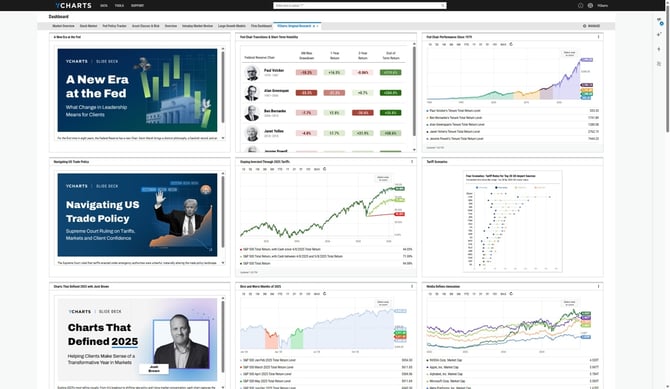
5. The Community will now appear on your Dashboard module.
Frequently Asked Questions
What kind of content can I expect to see within a community?
-
Content will vary by firm, but may include portfolios, charts, videos, market commentary, research updates, and wholesaler contact information.
How often is content updated within a community?
- This varies by community, but content is refreshed on a regular basis.