
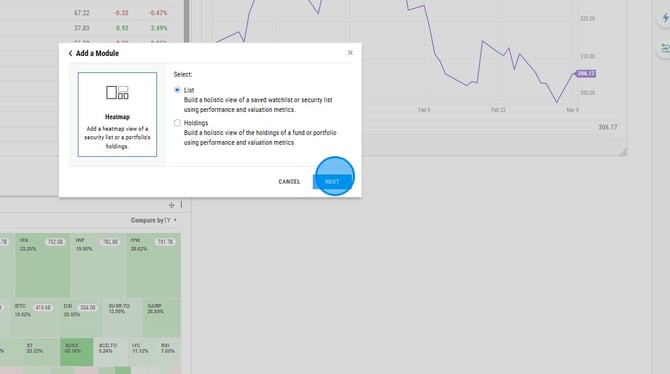
Two types of heatmaps are available to be added to the dashboard. A List heatmap will allow you to create a heatmap of a watchlist. Holdings heatmaps will allow you to create a heatmap of the holdings in a portfolio.
Getting Started
Frequently Asked Questions
Getting Started
How to Create a Heatmap
1. Select the dashboard name tab
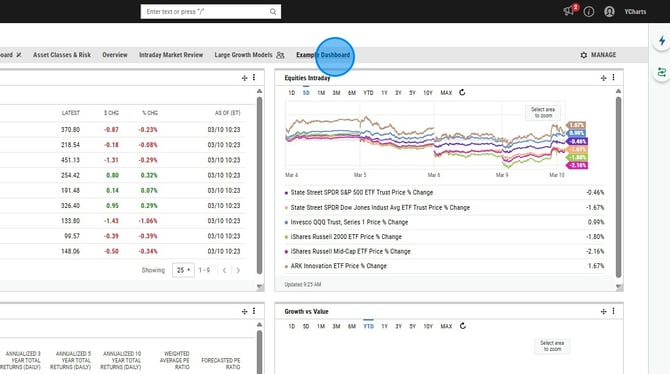
2. Select Add Module

3. Select Charts on the left
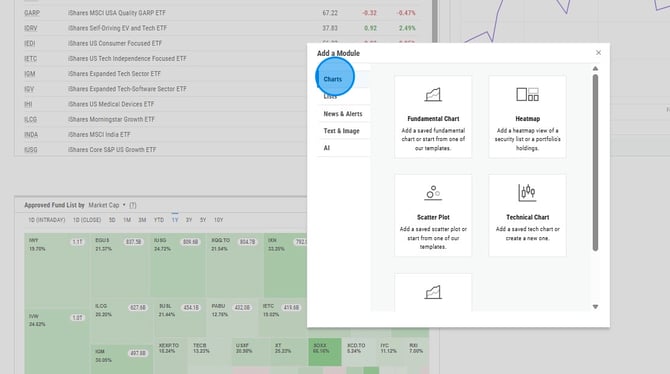
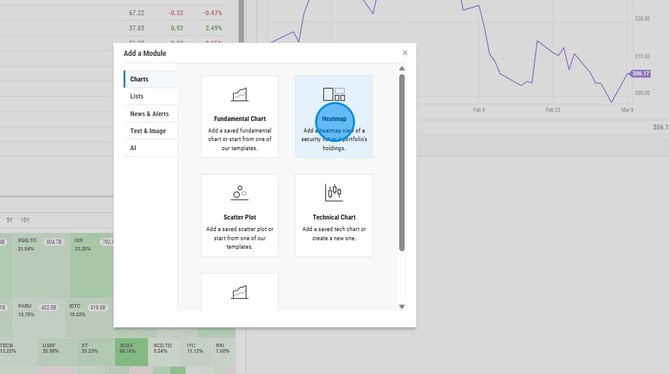
4. Select Heatmap on the right
5. Select List for a list created in YCharts or select Holdings to bring in the holdings of a fund or portfolio
6. Search for the list or security
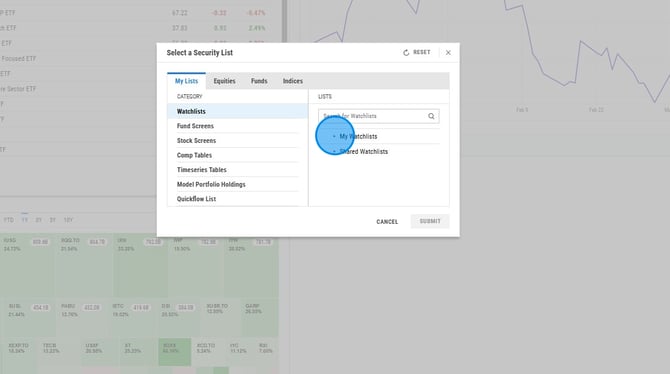
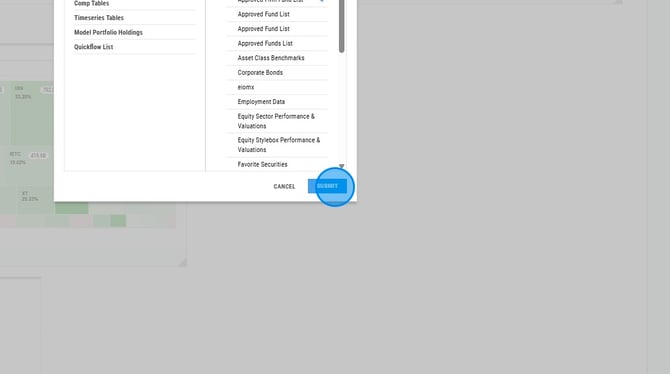
7. Select Submit
8. Move the heatmap to the location you'd like using the arrow icons at the top left and resize it using the bottom right corner

Frequently Asked Questions
Why are securities missing from my heatmap module?
-
If your module is not large enough, not all securities will be shown. You have to expand the module by dragging the bottom right corner of the module (that gray triangle) to show more of the holdings.