The screener templates serve as an excellent starting point, whether you're uncertain about where to start or seeking fresh research ideas. The video below explains how to access the templates and customize them to display precisely what you need.
How to Edit Screener Templates:
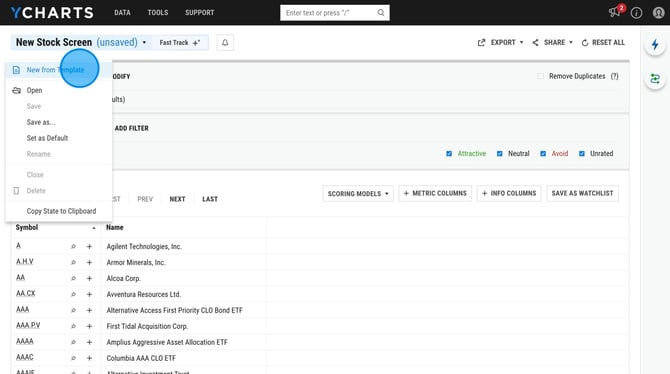
1. Click New Stock Screen in the upper left corner and then select New From Template. Here you can then choose one of the many screener templates we offer.
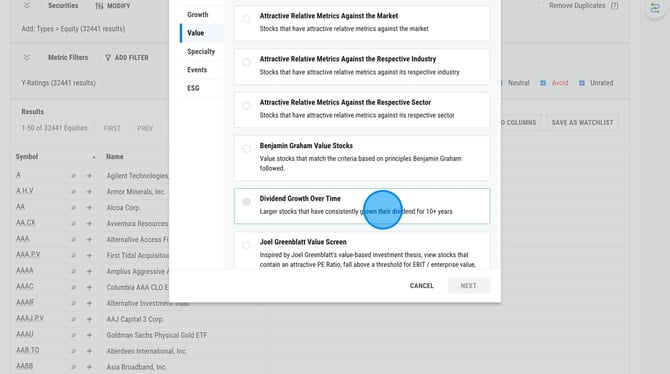
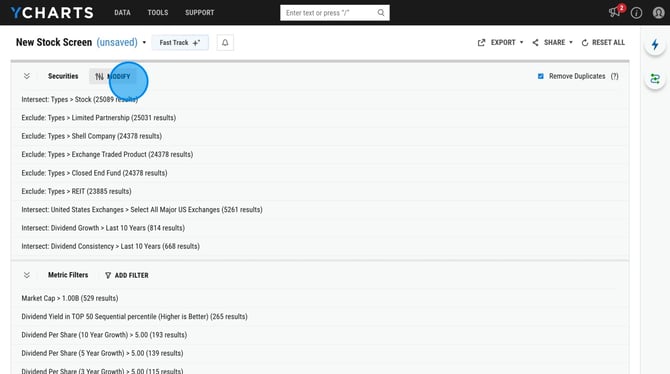
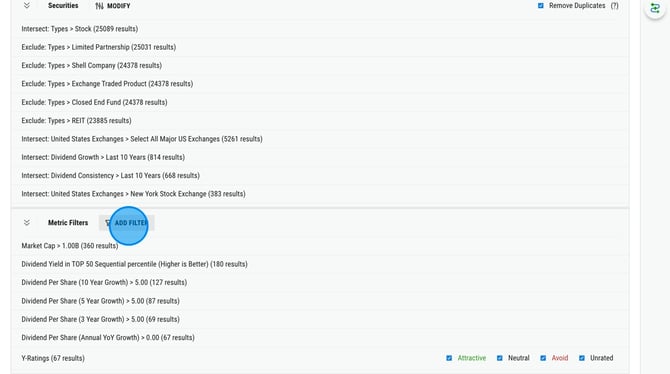
2. The template will load with a handful of quantitative and qualitative filters added. To add additional filters, select Modify or Add Filter.
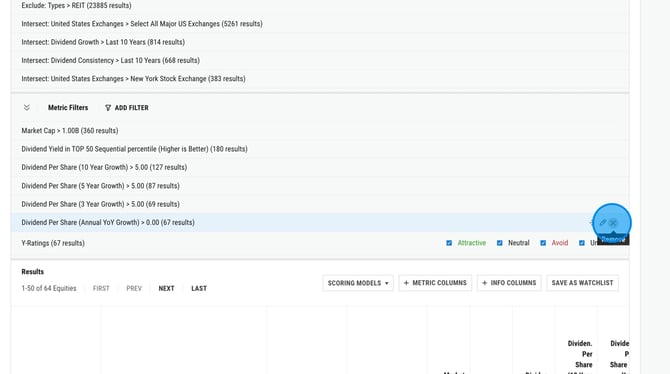
3. To remove filters, you will want to hover over the metric and then select the X all the way to the right of the metric name.
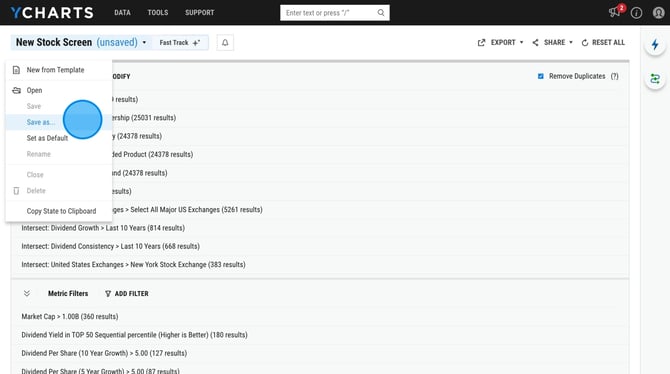
4. To save your new screen, select New Stock Screen in the upper left corner and then click Save As.