You can see a quick video walkthrough below:
How to Share a Dashboard:
You will first need to setup the dashboard you'd like to share. For more detail on creating on creating a dashboard, you can view the article linked here
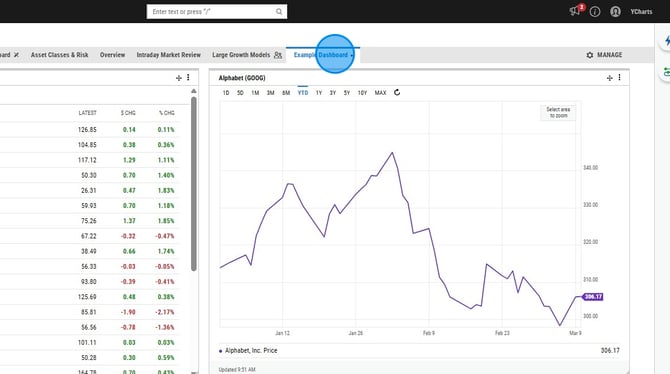
1. Select the dashboard name tab
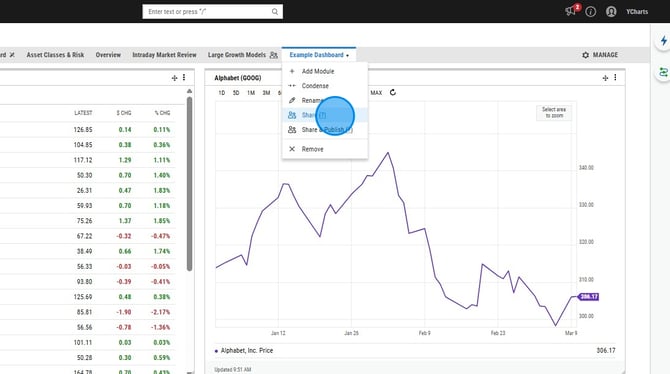
2. Select Share
3. Select the share group you'd like to share with on the left
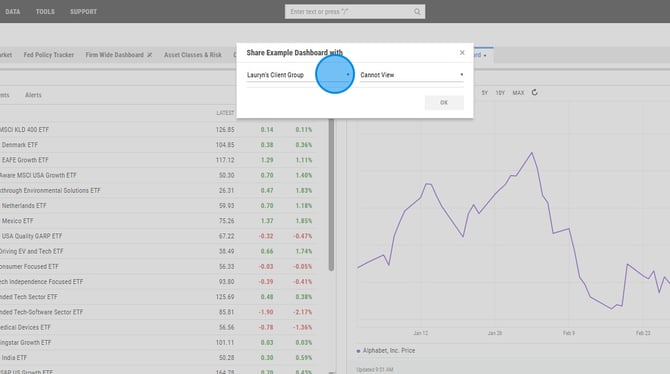
4. Select the dropdown on the right and adjusting it to Can View
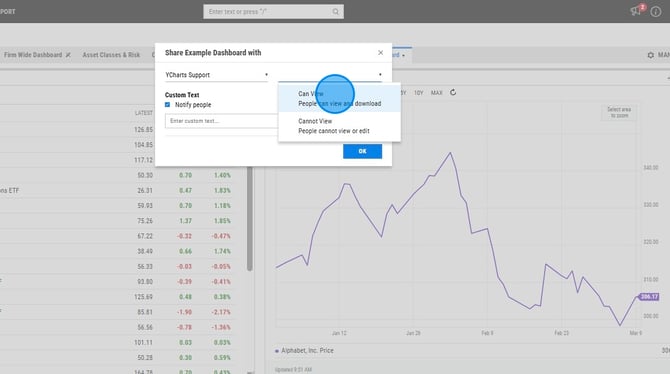
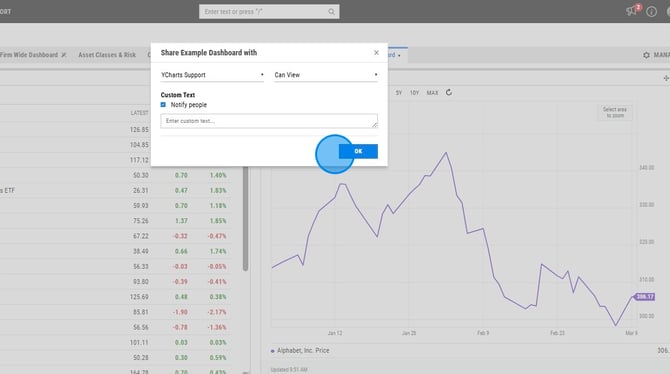
5. Select Ok to share the dashboard