Skip to content
English - United States
  • There are no suggestions because the search field is empty.

How to Adjust Potential Tax in Portfolios

The Potential Tax affects the Tax Impact of your Transition Analysis. The default potential tax is set to 15%, but you can adjust this within your account by following the instructions below: 

1. Open your portfolio and head to the Transition Analysis tab
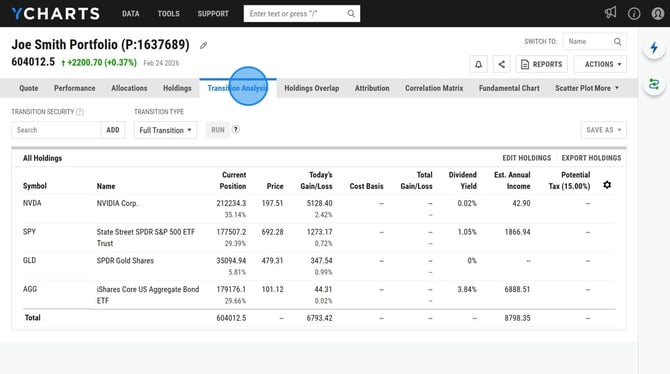
Adjust Model Portfolio Holdings and Transition Analysis - Step 0


2. Click on the gear icon next to the Potential Tax field
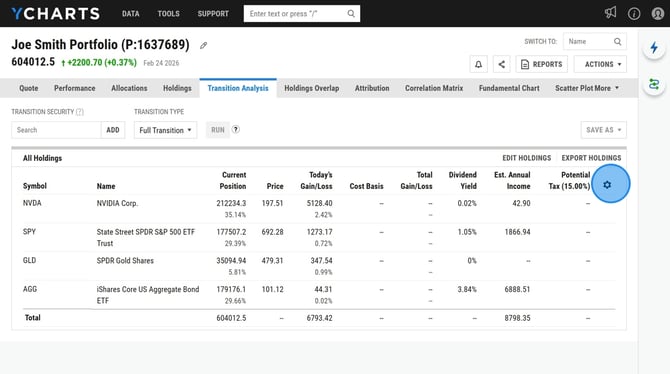
Adjust Model Portfolio Holdings and Transition Analysis - Step 1


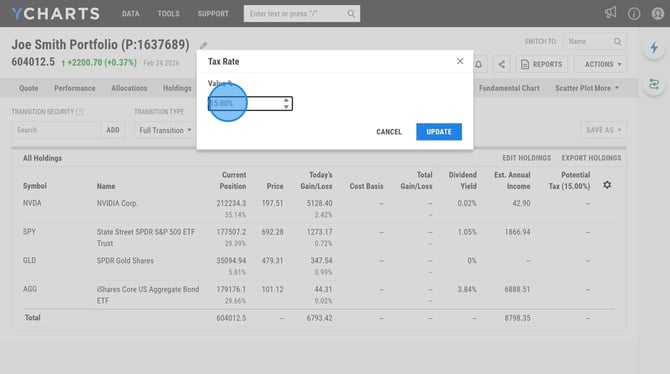
3. Adjust the tax value

Adjust Model Portfolio Holdings and Transition Analysis - Step 2


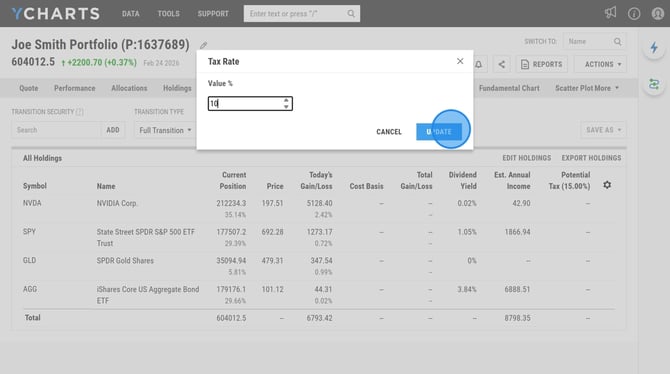
4. Select Update

Adjust Model Portfolio Holdings and Transition Analysis - Step 3