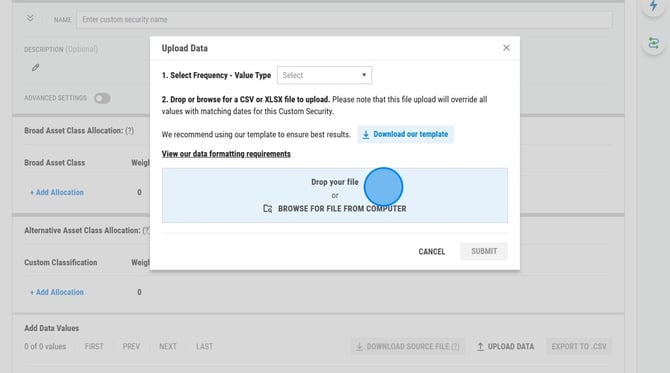
Steps to Update Security History:
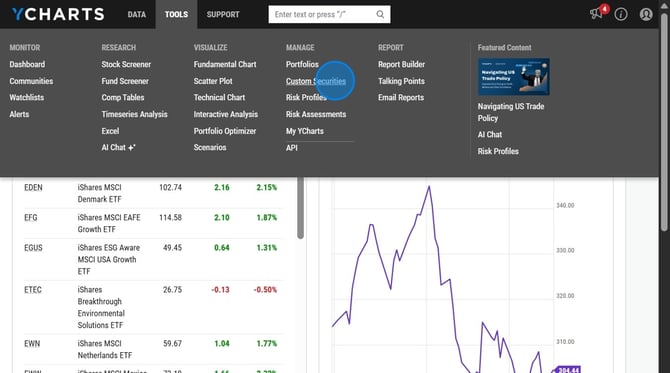
1. Hover over Tools and select Custom Securities
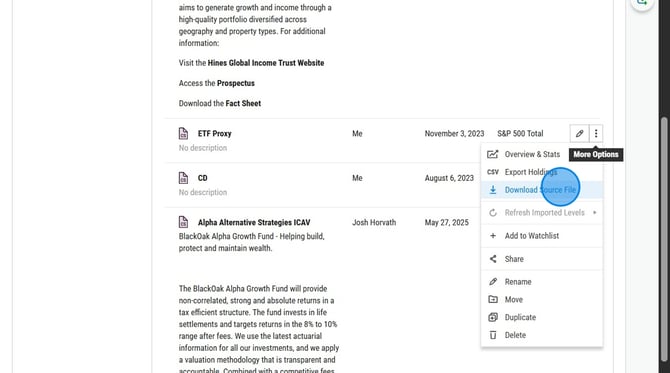
2. Click the Download Source File button to download the current security data.
3. Add the new data points to the downloaded file.
%20(1)%20-%20Excel.png?width=670&height=507&name=2026-03-16%2019_21_22-upload_template%20(1)%20(1)%20-%20Excel.png)
4. Re-upload the updated file back into the Custom Security Editor to update the security history on the site.