
Report History allows you to review any PDF reports that have been generated in your account and quickly regenerate them as needed. This includes PDF reports, comp tables, portfolio optimizers, attribution charts, and more.
Getting Started
Frequently Asked Questions
Getting Started
1. Head to My YCharts from the Tools dropdown menu.
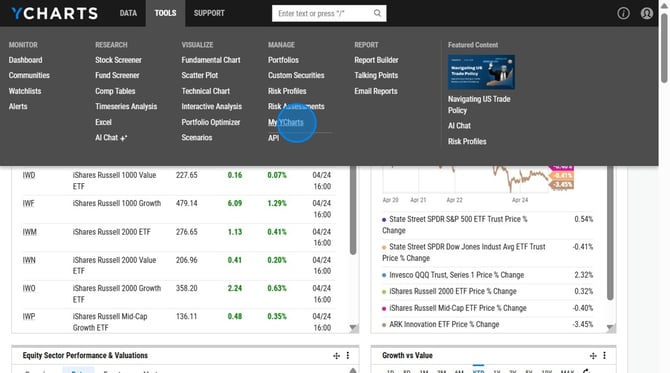
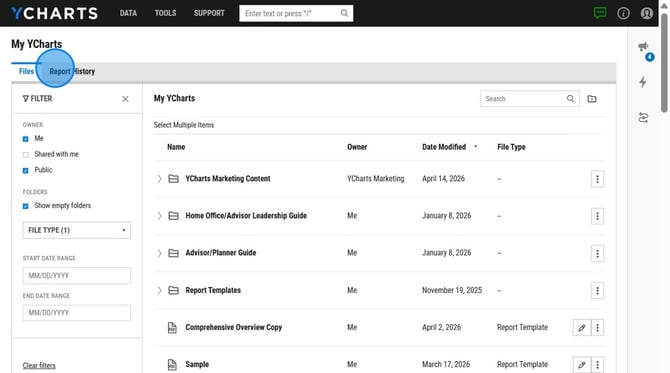
2. Click on the Report History tab.
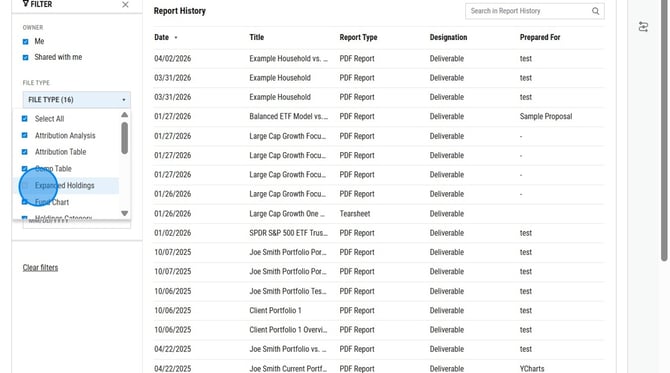
3. Optional: Add or Remove any filters on the left hand side of the page.
4. Click on the report you want to regenerate.
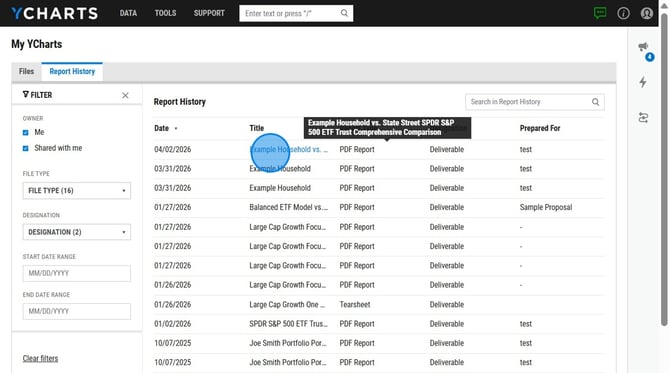
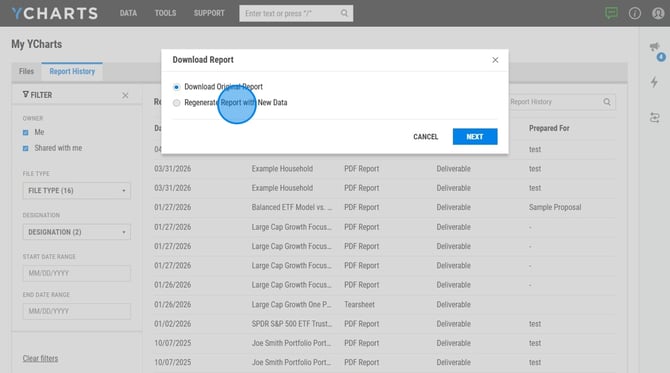
5. Choose between Download Original Report or Regenerate Report with New Data.
Frequently Asked Questions
Can I see all reports my firm has pulled?
- Yes. You can access all reports generated across your firm. To enable this level of visibility, please contact your YCharts account manager, who can adjust your permissions accordingly. You can find their contact information here.