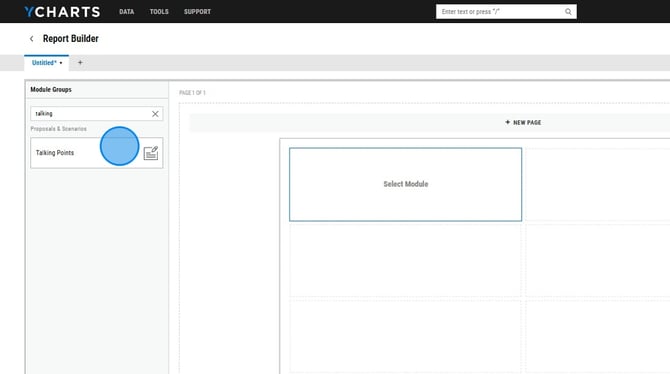
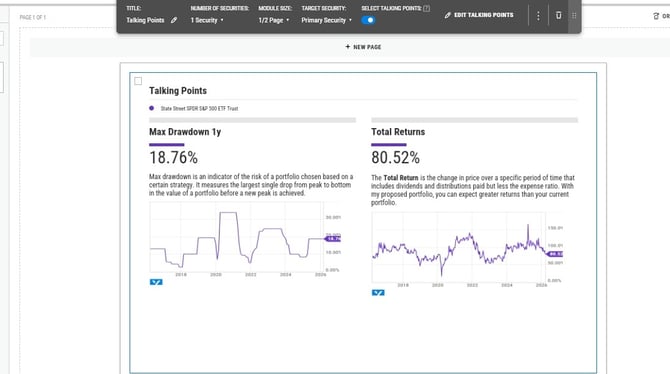
Talking Points in YCharts' Report Builder empower financial professionals to create personalized, client-ready proposals efficiently. By integrating customizable text, visuals, and key financial metrics, Talking Points streamline meeting preparation and enhance client engagement. This feature allows for clear communication of investment strategies and value propositions, tailored to each client's specific needs.
How to Create Talking Points:
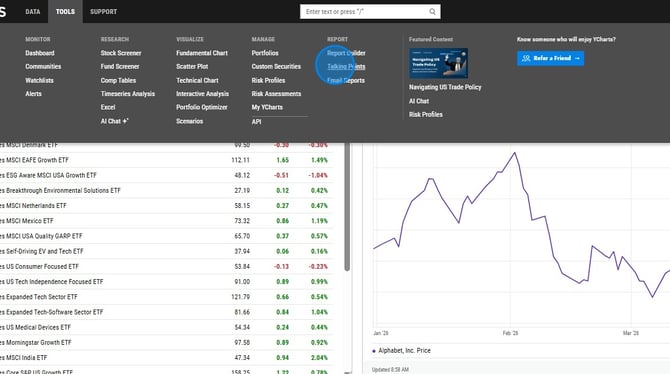
1. Navigate to Talking Points under the Tools tab.
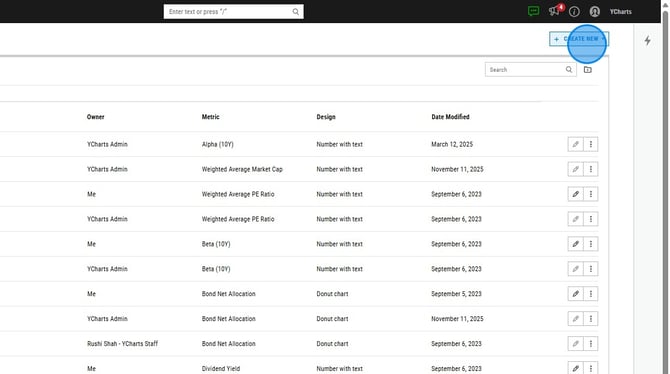
2. Click Create New --> Blank Talking Point.
3. Give the talking point a name and choose a metric.
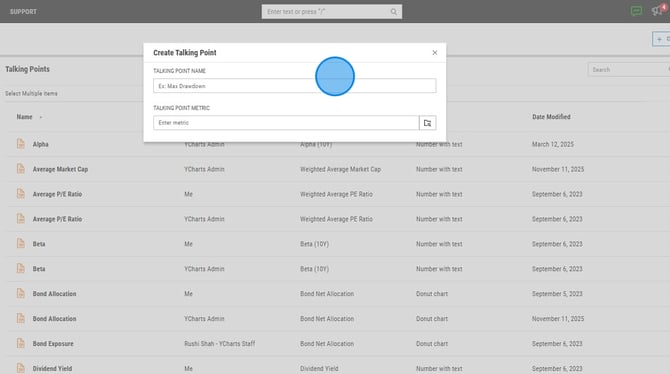
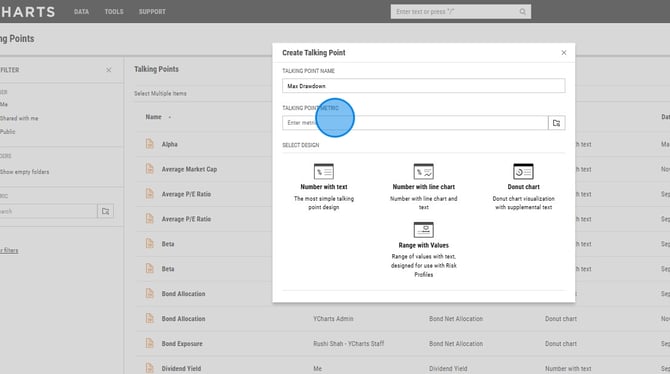
4. Choose one of the four talking point designs: Number with Text, Number with Line Chart, Donut Chart, Range with Values.
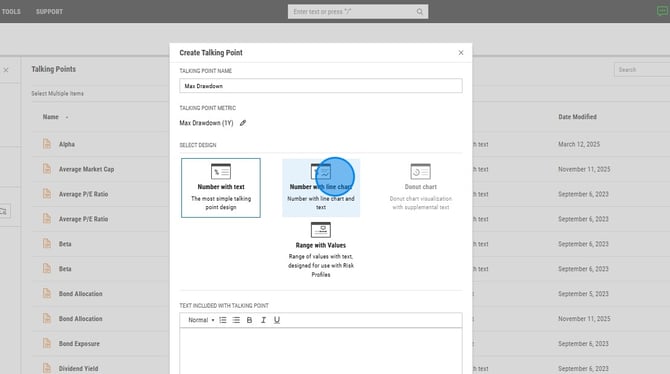
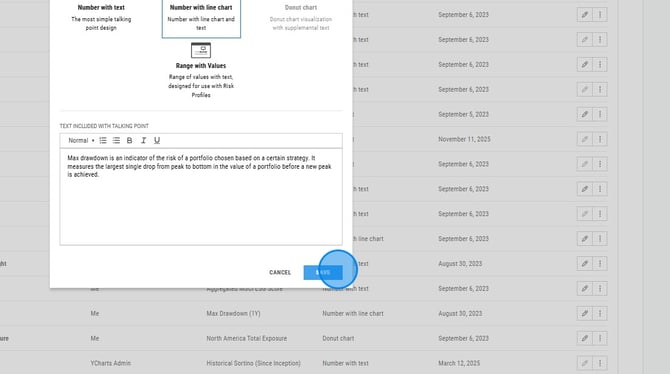
5. Add a description to your talking point. Once finished, select Save.
6. In Report Builder, you can add your talking point, first by adding the Talking Point module. Then toggle on "Select Talking Points" and choose the one you'd like to permanently add to your report.