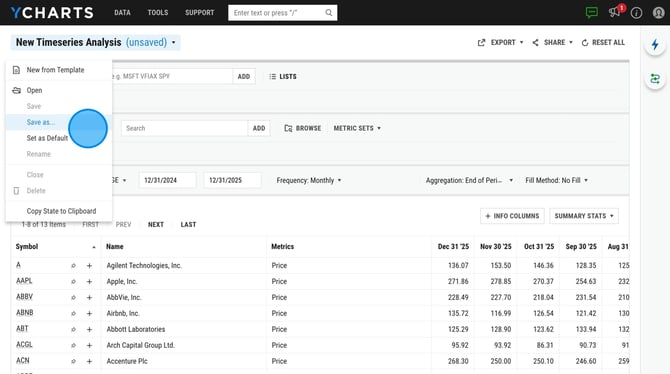
YCharts' Timeseries Analysis lets you conduct detailed historical analyses by importing multiple securities and metrics, then analyzing trends across custom date ranges. Completed analyses can be exported for further use in the YCharts Excel Add-In or other third-party platforms.
How to Build a Timeseries Analysis in YCharts:
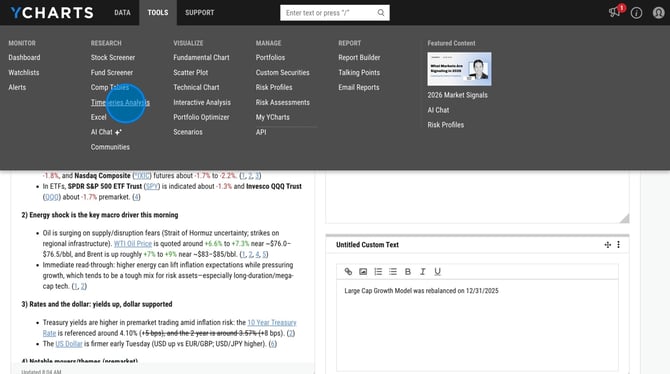
1. Navigate to the Timeseries Analysis tool. A blank table will appear.
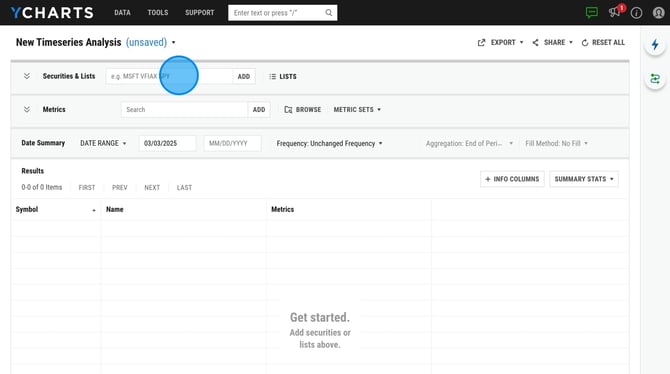
2. Enter in your securities using the security search box, or use the Lists button to add in a watchlist, portfolio holdings, screener results, etc.
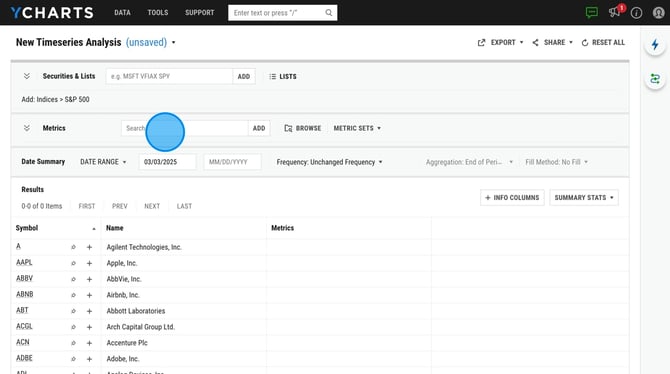
3. Add in your metrics using the metric search box, the 'Browse' button or you can add a Metric Set. Learn how to create a metric set here.
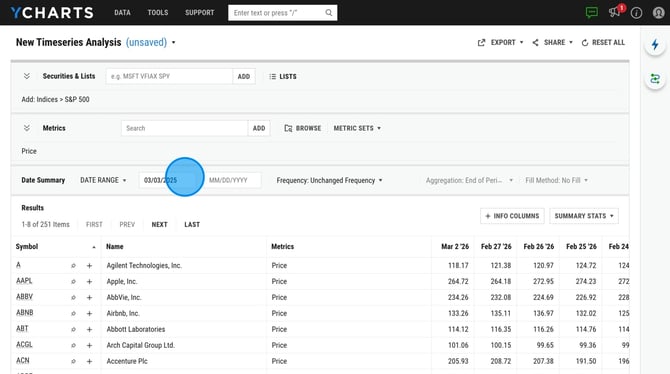
4. Adjust the date range of your series by choosing a specific start and end date.
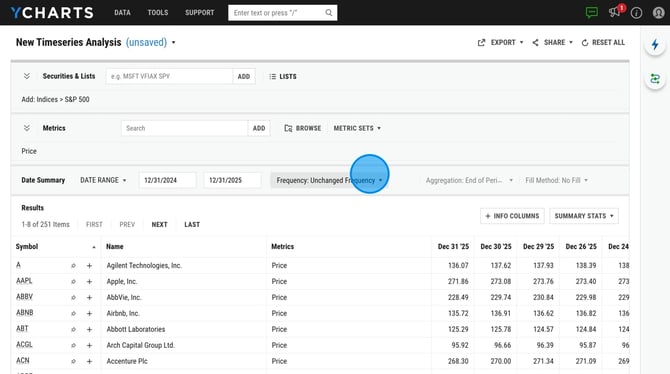
5. Set the data frequency to control how often data points are displayed in the table. Note: you will need to choose a frequency in order to export the data to Excel.
6. Save your analysis by clicking New Timeseries Analysis in the top-left corner and selecting Save As from the dropdown menu.