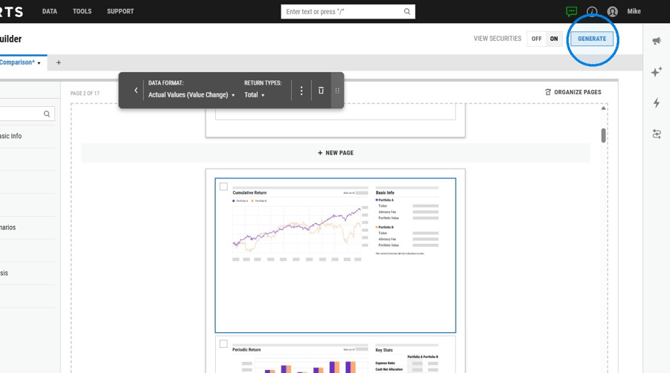
Want to add your own portfolios value to the Cumulative Return chart in your report? In just a few quick steps, you can change the charts settings to reflect your portfolios value and returns to show true values for clients and advisor review.
How to Edit a the Cumulative Return Chart Within Report Builder:
1. Head to the Report Builder page.
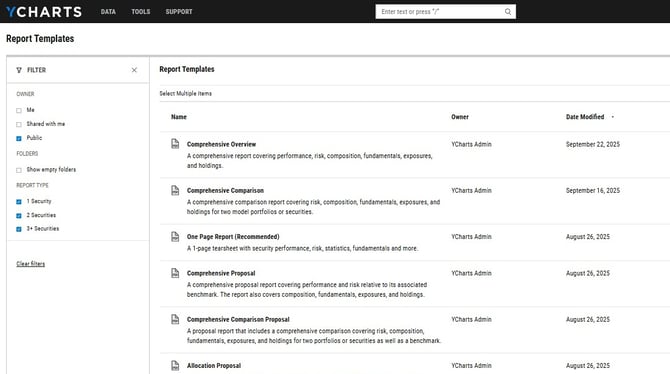
2. Select the Create New button on the upper right hand side of the Report Builder page.
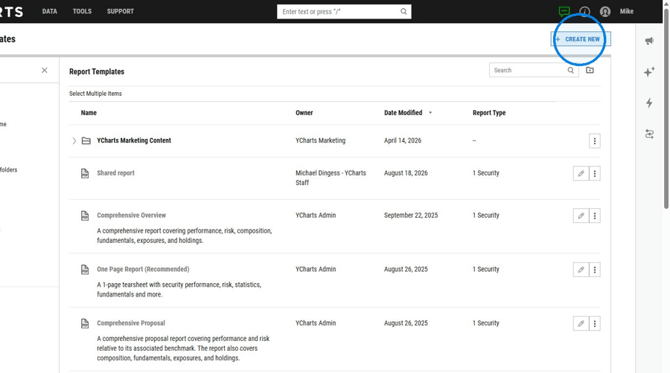
3. Click on the "New From YCharts Template".
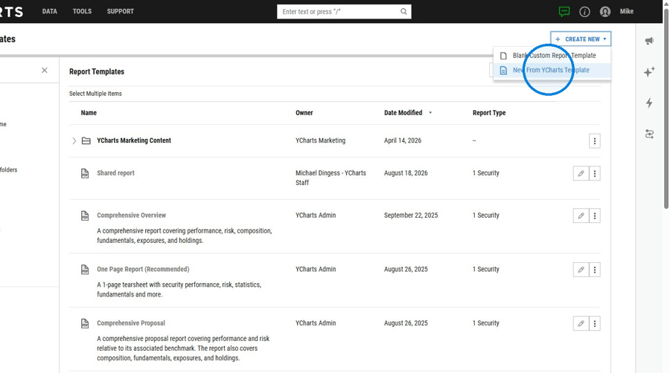
4. Select the report template you would like to use.
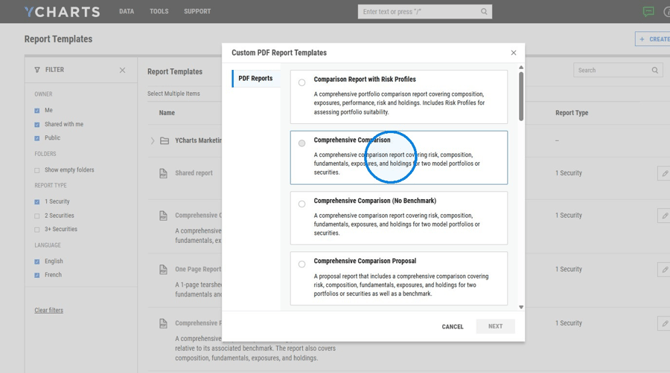
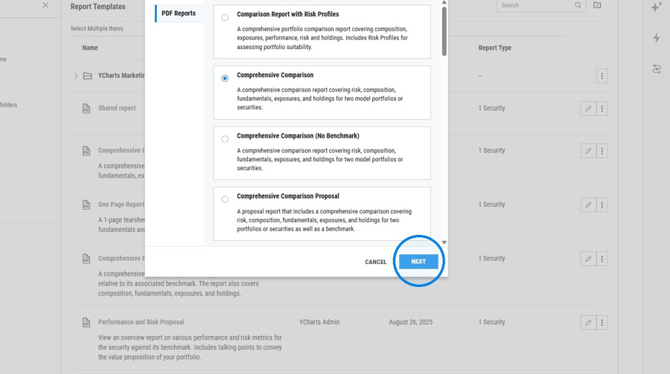
5. Click "Next".
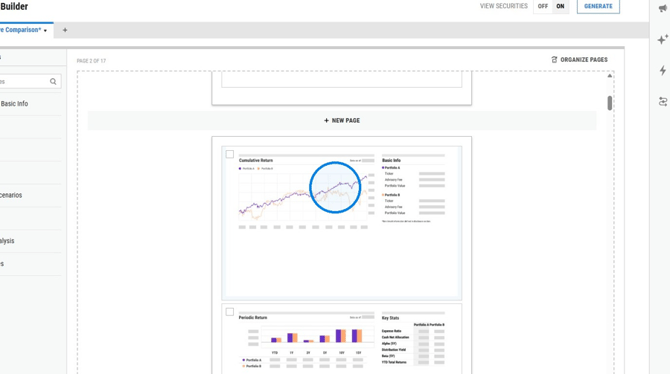
6. Click on the Cumulative Return Module
7. Click on "Advanced Options".
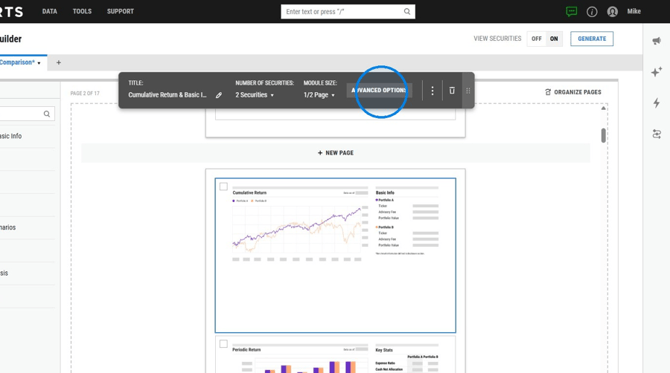
8. Select Growth (Custom) as the data format.
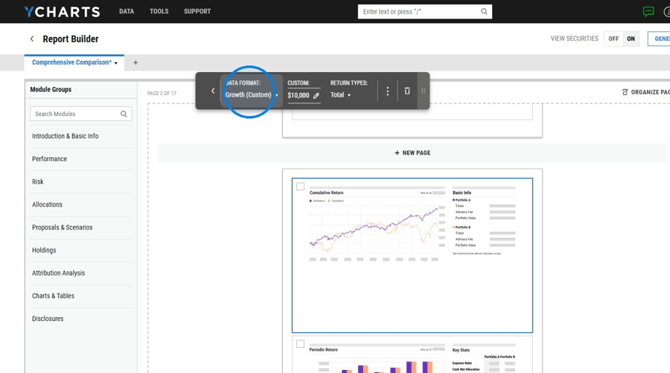
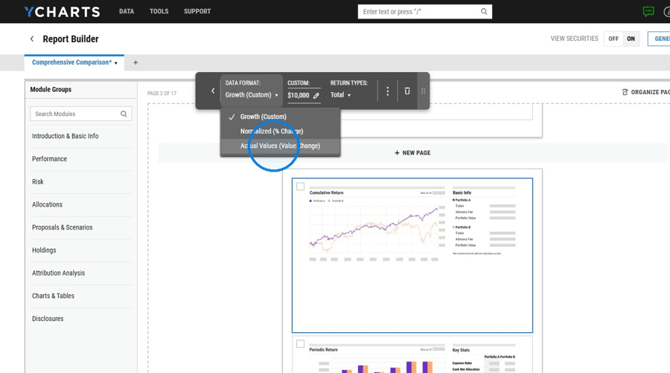
9. Select Actual values (Value Change) from the Data Format menu.
10. Click "Generate".