Our PDF reports let you control how Allocation and Holding modules are displayed. You can choose to show either percentage weights for these modules or, alternatively, display values in dollars.
How to Show Dollar Values in Reports:
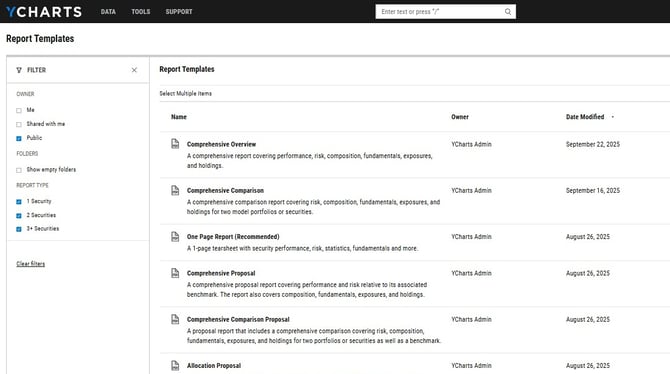
1. Head to the Report Builder page.
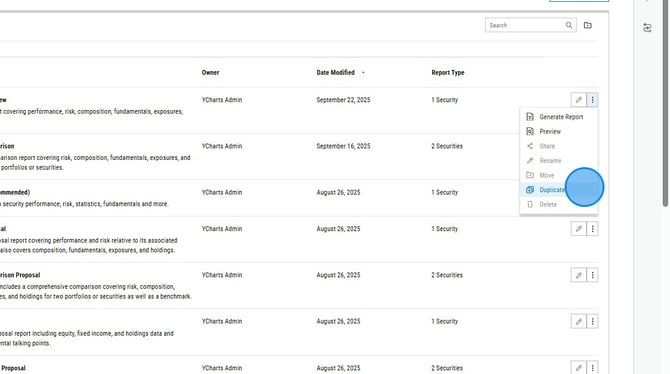
2. Select the three dots all the way to the right of the report you'd like to copy and then select "Duplicate" from the dropdown menu.
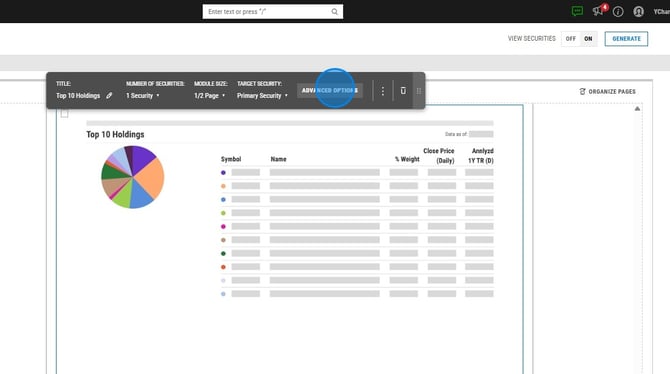
3. Find and click on a holdings module.
.png?width=670&height=374&name=How%20to%20Duplicate%20a%20Custom%20PDF%20Report%20on%20YCharts%20-%20Step%202%20(1).png)
4. Click "Advanced Options" in the editor pop up box.
5. Select "Dollars" under Format.
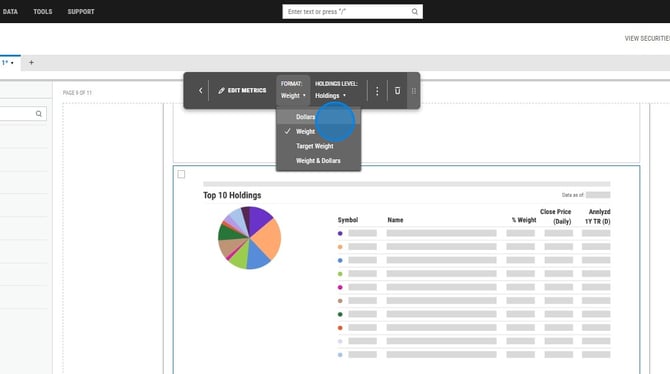
6. Repeat for any other holdings modules in the report.
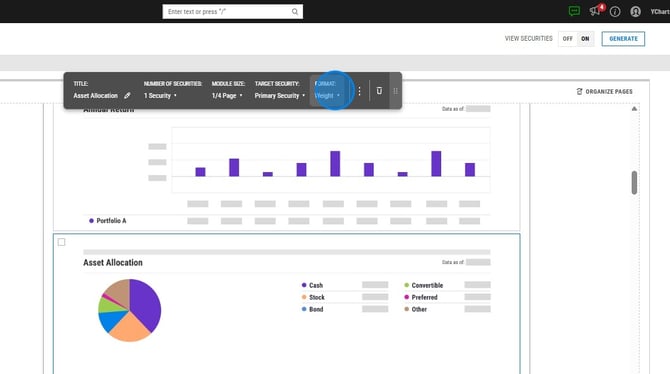
7. For allocation modules, click on the module you want to edit and then select "Dollars" under Format.
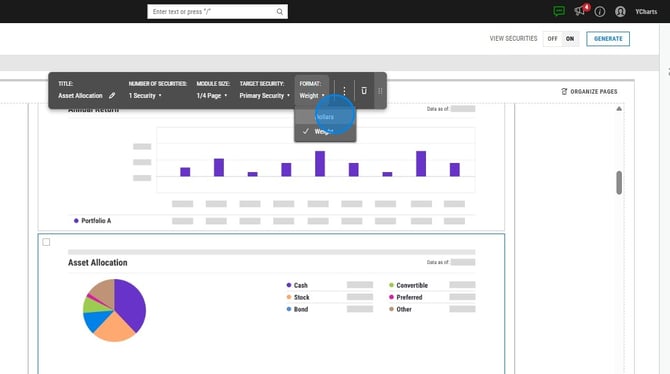
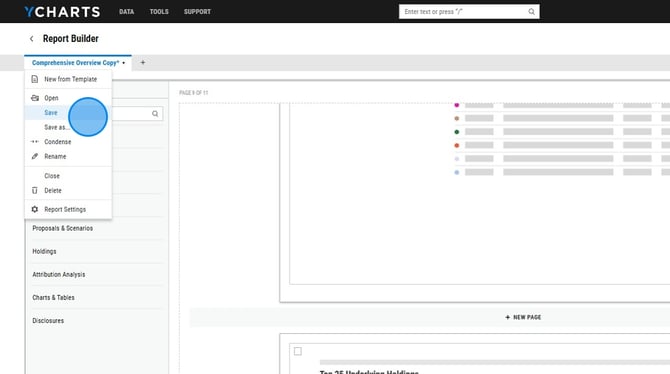
8. To save, click the report name in the upper left corner then select Save.