
The Historical Holdings sub tab will allow you to view the same data found on the "All Holdings" sub tab, however it gives you the opportunity to compare the funds holdings for up to four different time periods.
This page will use the same data and toggle options as the ‘all holdings’ page, however it gives you four panels to utilize so that you can easily compare the historical holdings.
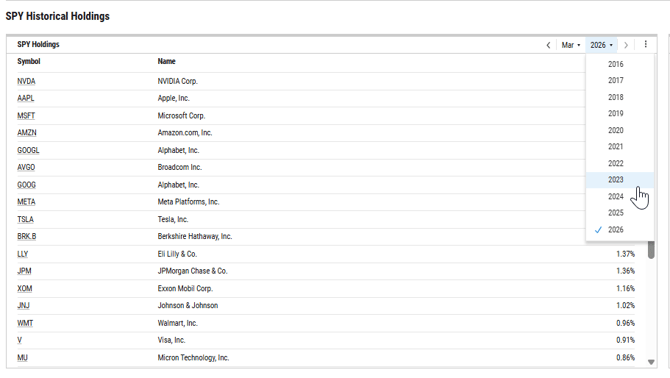
You can adjust the date period by toggling to a different month or year in the upper right corner of the module.
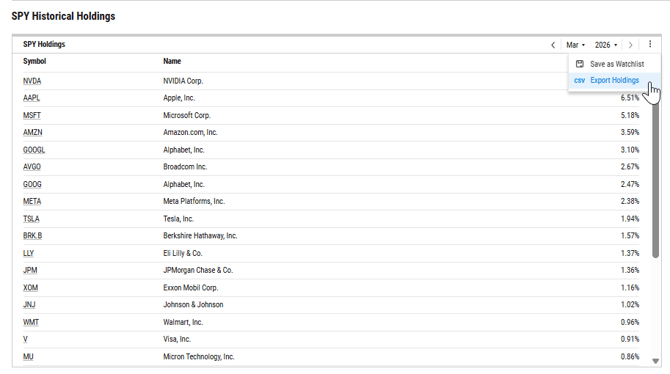
Historical holdings can be exported to Excel or saved as a watchlist by selecting the three dots in the upper right corner of each holdings module.
Frequently Asked Questions:
How far back do historical holdings go?
- We will keep 10 years worth of historical holdings data
Can I export multiple time periods at once?
- No, at this time you can only export one period at a time.