
Metric Sets enable you to efficiently import multiple metrics into a table simultaneously, eliminating the need to add each metric individually.
Getting Started
Sharing Metric Sets
Frequently Asked Questions
Getting Started
To create a metric set, follow the steps below:
1. Head to either the Comp Tables or Timeseries Analysis tool.
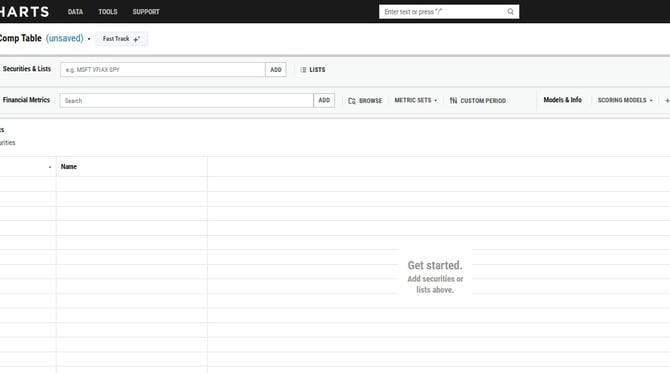
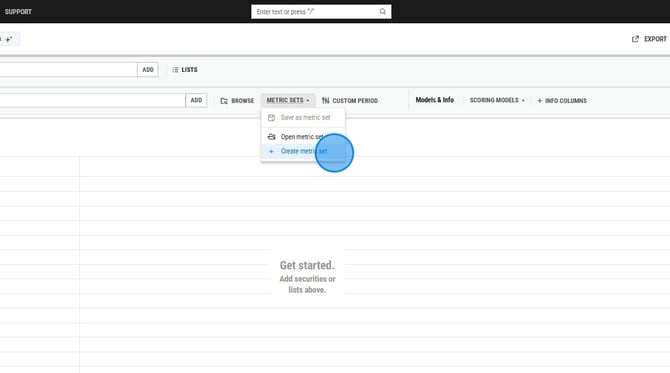
2. Click on Metric Sets, then select Create a Metric Set.
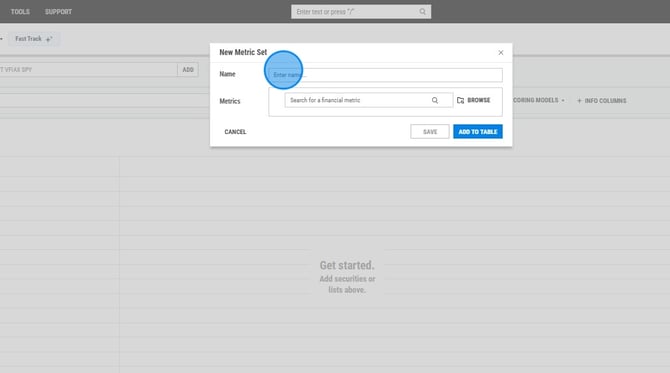
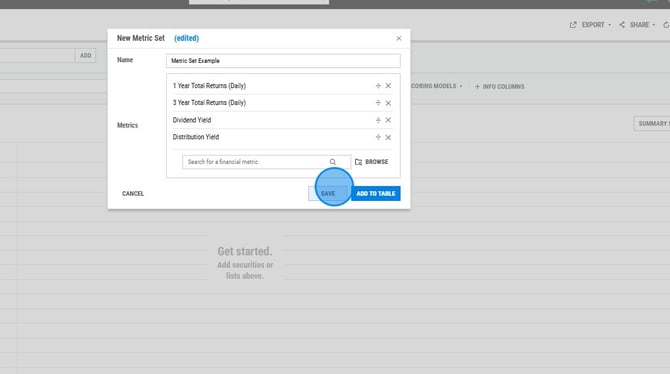
3. Assign a name to the metric set.
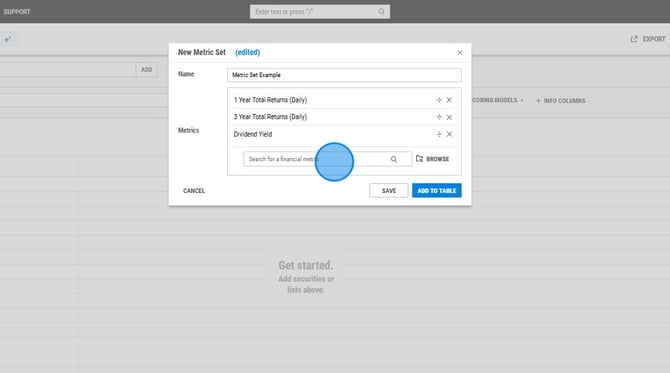
5. Once all metrics have been added, select 'Save' and then 'Add to Table'.
Sharing Metric Sets
If you have standard metrics that are regularly utilized by you and your colleagues at your firm, you can create and share this metric set, thereby saving others the effort of individually creating it.
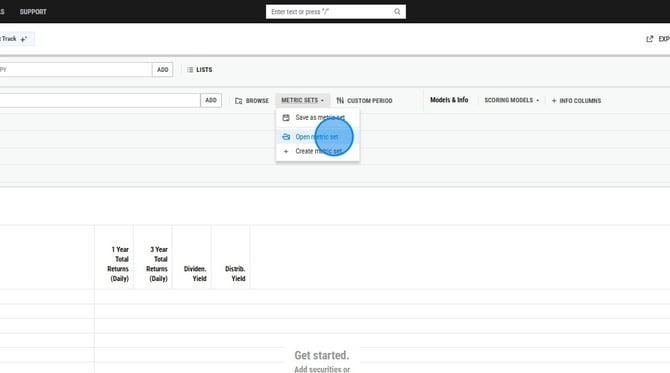
1. Select Metric Sets and choose Open Metric Set.
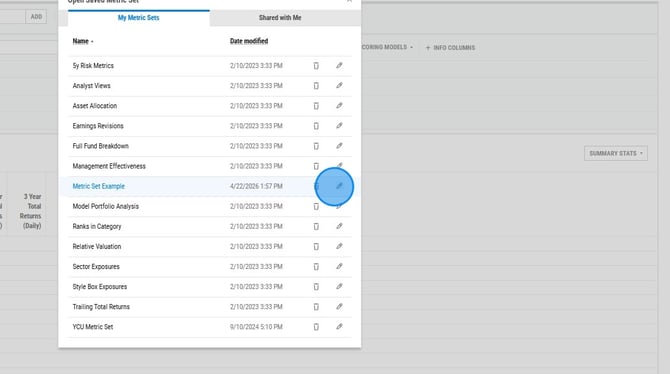
2. Click on the pencil icon to the right of the metric set name.
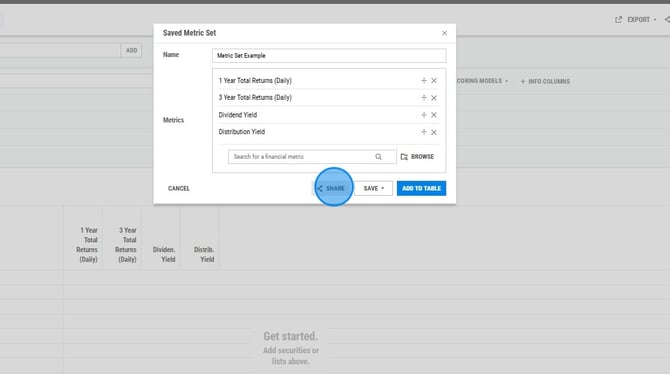
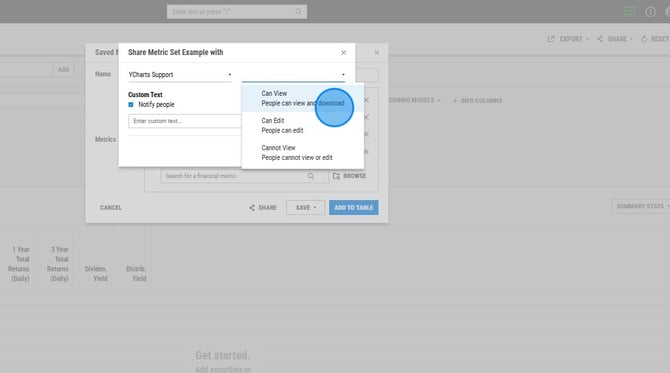
3. Choose Share at the bottom of the pop up box.
4. Select the share group and set permissions.
Frequently Asked Questions
Why are metrics missing from my metric set?
-
If metrics are absent from a previously saved metric set, it is likely attributable to the metric type. Metrics categorized under the 'Info Columns' section cannot be preserved in a metric set and must be re-added manually.