
The Resample and Aggregate functions within our Excel Add-In allows you to change how data is retrieved and displayed within Excel. Below is a quick walkthrough video that goes over this function.
Getting Started
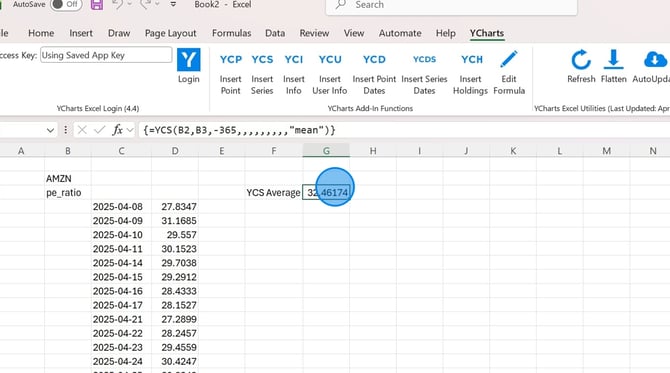
Adjusting the Aggregate Function
Adjusting the Resample Frequency
Frequently Asked Questions
Getting Started
How to Adjust the Aggregate Function
1. Click on the cell you want to use for your formula.
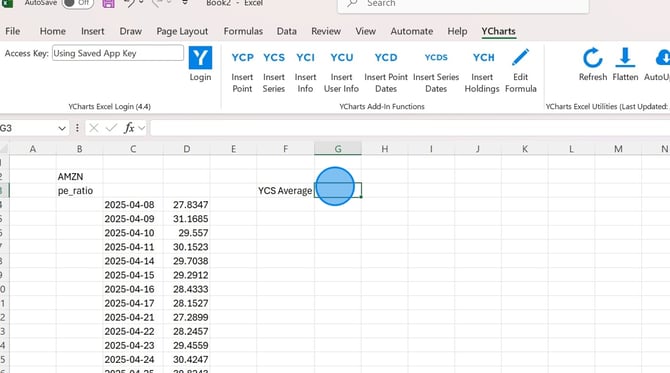
2. On the YCharts tab in Excel, select the YCS function.
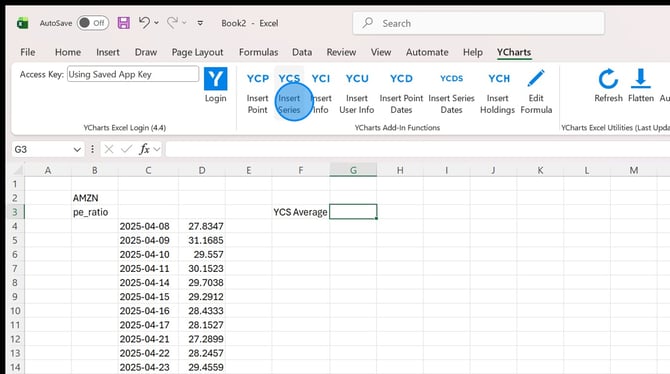
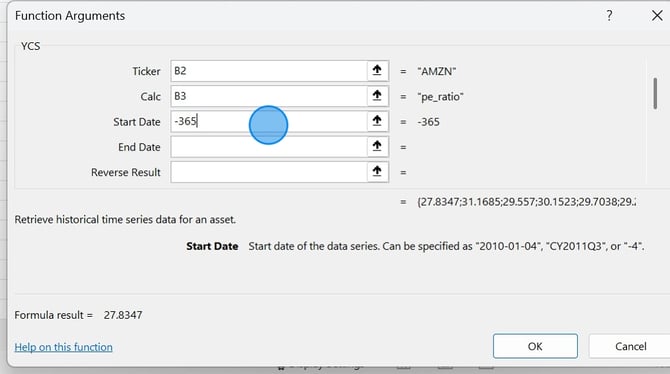
3. Enter in the ticker symbol, metric code and lookback period for your series.
4. Enter in your aggregation method, then click Ok.
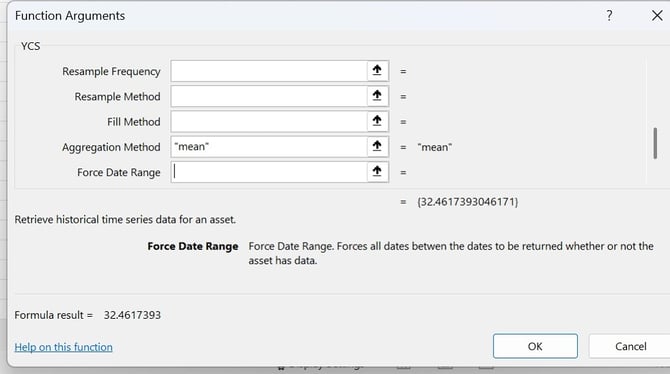
5. The data will now appear in the cell.
How to Adjust the Resample Frequency
1. Click on the cell you want to use for your formula.
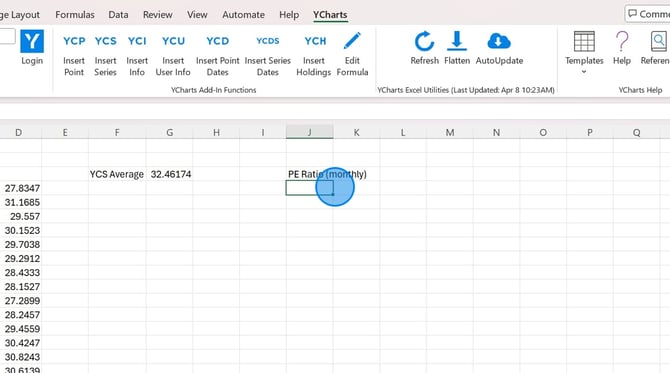
2. On the YCharts tab in Excel, select the YCS function
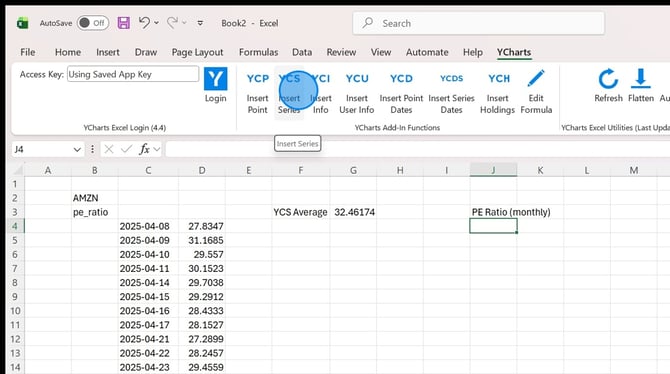
3. Enter in the ticker symbol, metric code and lookback period for your series.
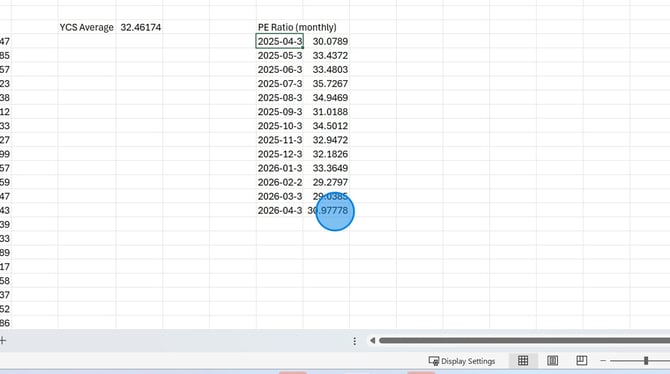
4. Add in your resample frequency, then click OK.
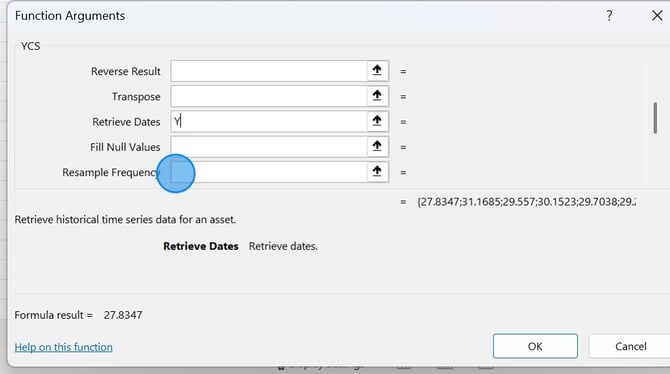
5. The data will now appear in the cell.
Frequently Asked Questions
Is there a full list of resample frequencies and aggregate functions?
- Yes, you can download the full list here.