
The Expanded Holdings module in Report Builder allows you to include underlying holdings data directly within your reports, helping to clearly illustrate portfolio exposure and fund overlap. This module is best used as part of broader portfolio analysis, enhancing client transparency while saving time in report creation.
How to Add Expanded Holdings
1. Click on Report Builder in the Tools dropdown menu.
.jpeg?width=670&height=374&name=Ycharts%20Workflow%20-%20Step%200%20(2).jpeg)
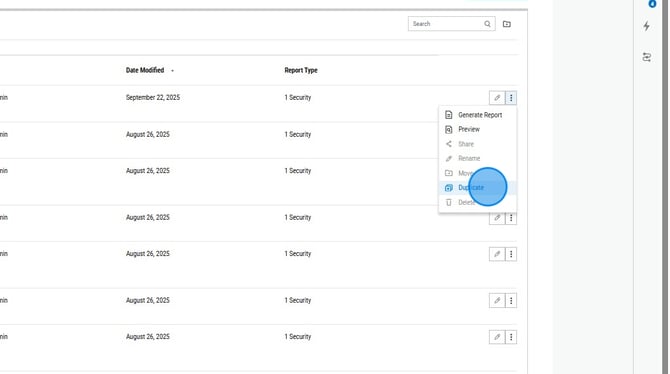
2. To edit a current report, click on the pencil icon. To add to a public report, select the three dots all the way to the right of the report you'd like to copy and then select Duplicate from the dropdown menu.
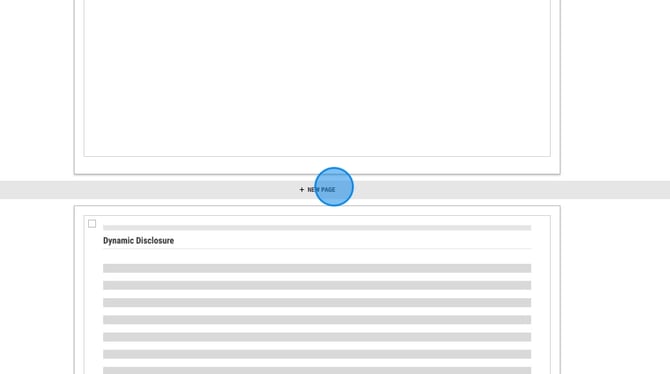
3. Find where you'd like to add the module and click New Page.
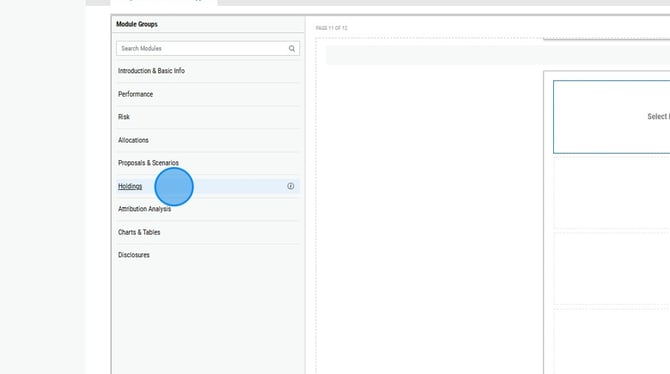
4. Select the Holdings category on the left hand side.
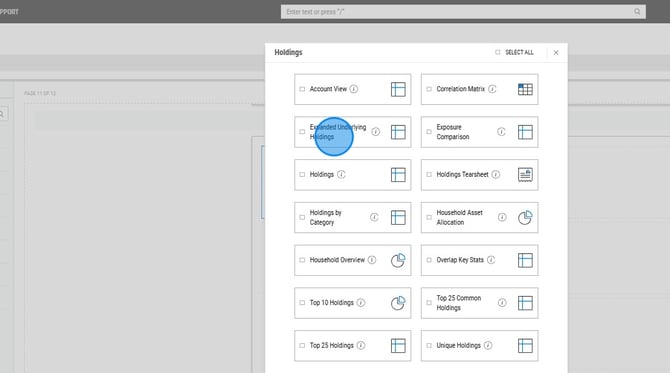
5. Choose Expanded Underlying Holdings.
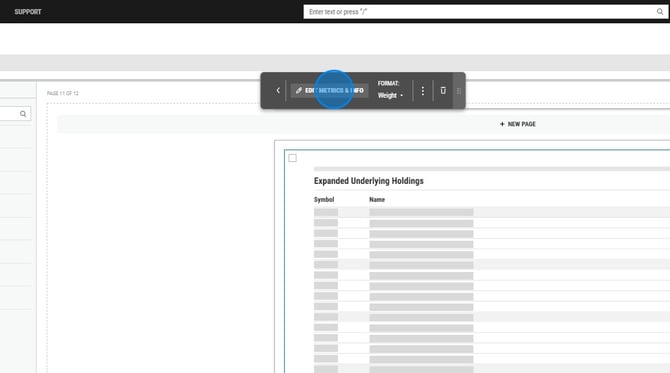
6. To edit the metrics in this module, select Advanced Options from the editor box then select Edit Metrics and Info.
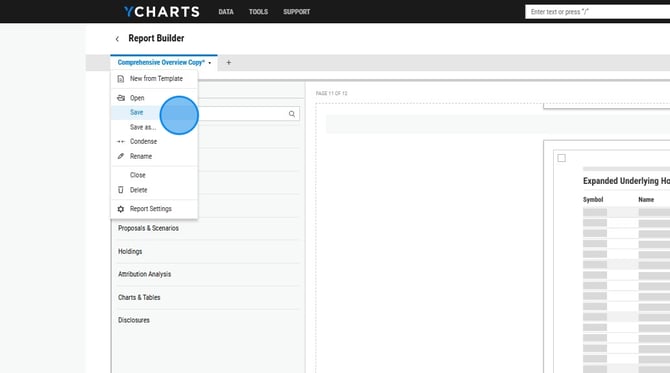
7. When finished, make sure to select Save in the upper left corner dropdown menu.
Frequently Asked Questions
How many holdings will show in the report?
- The module displays the top 25 underlying holdings. At this time we do not have the ability to show additional holdings.