Adjusting your report templates to account for household portfolios can significantly enhance your reports by displaying the actual invested holdings rather than individual portfolios. By completing these steps, your reports will reflect a comprehensive view of your household's investments, making it easier for clients to understand their overall portfolio performance.
How to Show Invested Holdings:
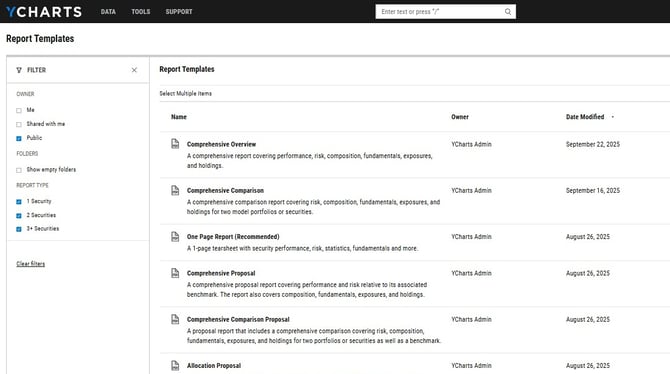
1. Head to the Report Builder page.
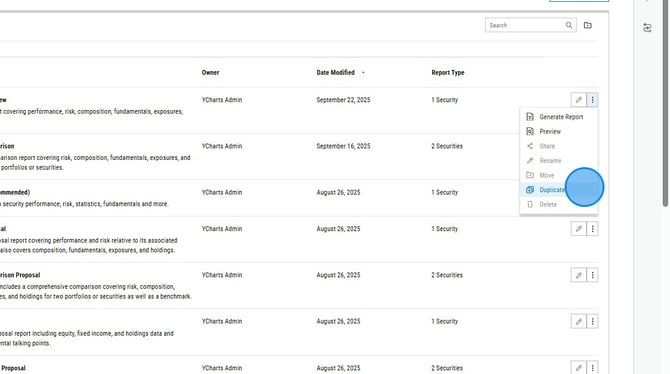
2. Select the three dots all the way to the right of the report you'd like to copy and then select "Duplicate" from the dropdown menu.
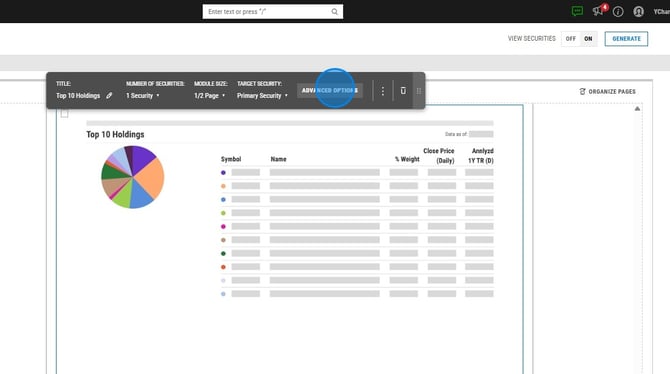
3. Find and click on a holdings module.
.png?width=670&height=374&name=How%20to%20Duplicate%20a%20Custom%20PDF%20Report%20on%20YCharts%20-%20Step%202%20(1).png)
4. Click "Advanced Options" in the editor pop up box.
5. Under "Holdings Level" click on Invested Holdings.
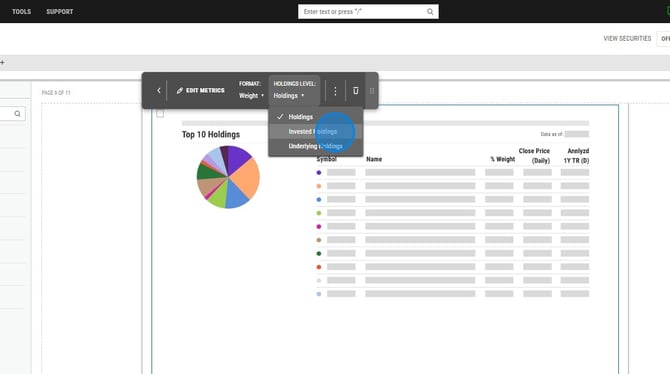
6. Repeat for any other holdings modules in the report.
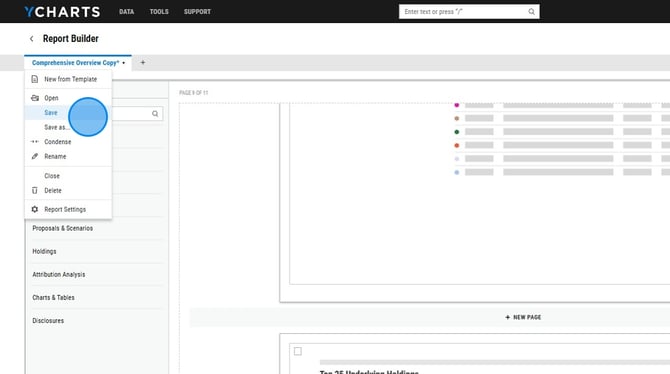
7. To save, click the report name in the upper left corner then select Save.